
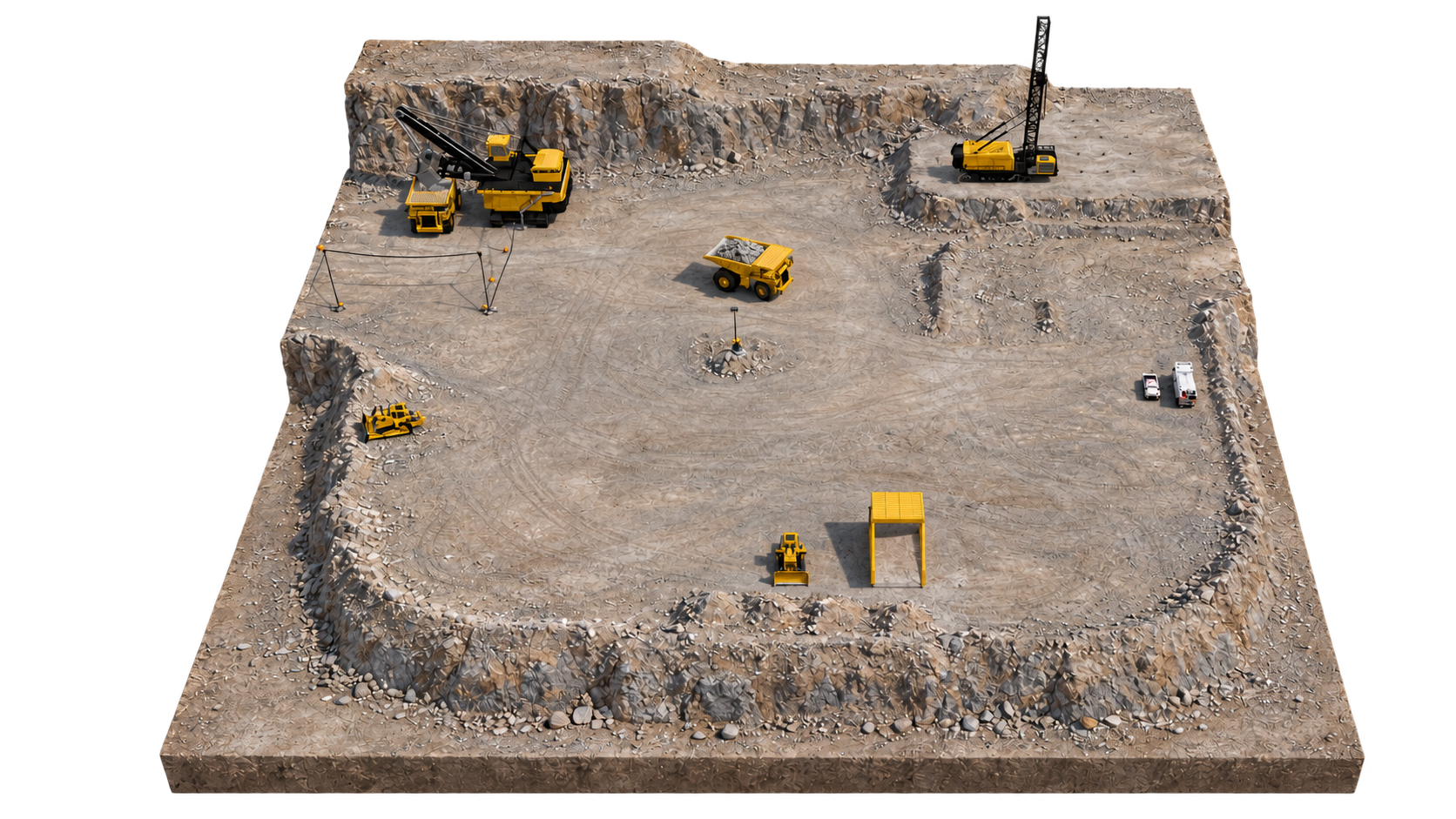
As simple as moving models and material in a sandpit.
Pick your equipment and drag it into place. Raise a bench in 1 click, build a ramp in two. No 3D modelling experience needed.
一BUILT FOR MINING
Still piecing together mining diagrams in PowerPoint?
Katabox allows you to create engaging and accurate 3D diagrams and slides for training and demonstration
Runs in your browser, works offline.
Build and edit on a desktop or laptop with a mouse. Explore what Katabox can do below.
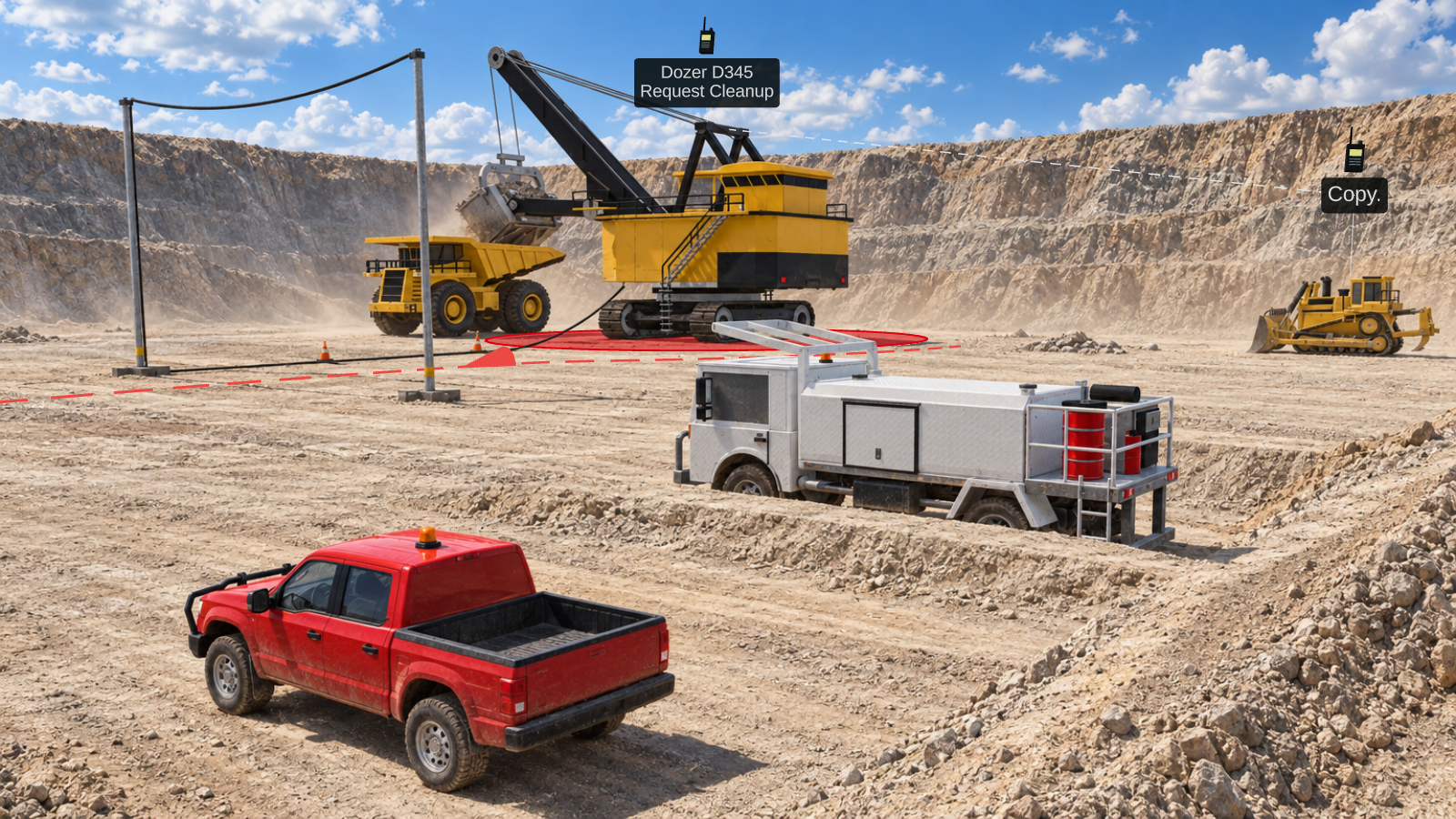
二MADE FOR TRAINERS
Start with the main tools, then open more controls when you need them.
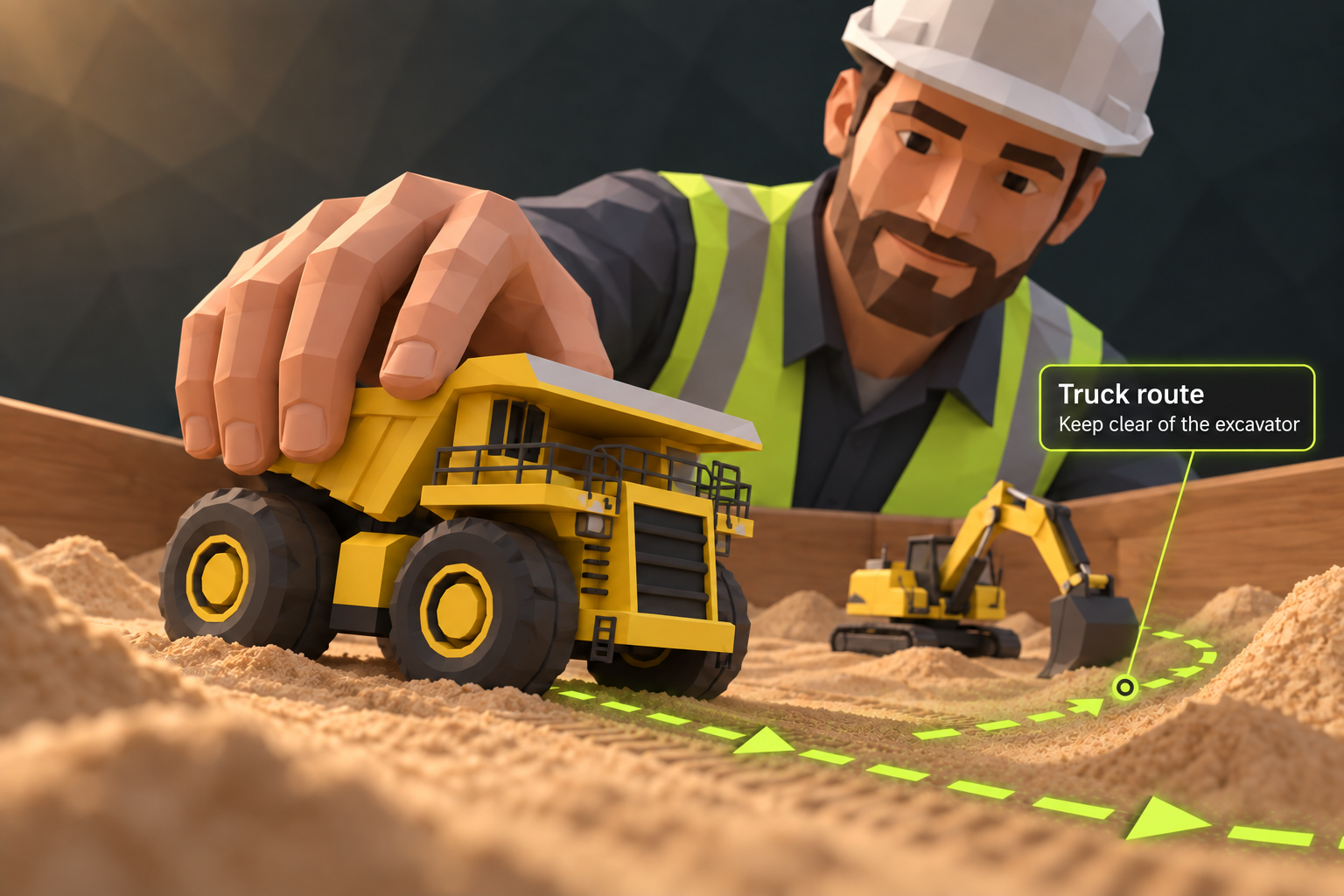
Pick your equipment and drag it into place. Raise a bench in 1 click, build a ramp in two. No 3D modelling experience needed.
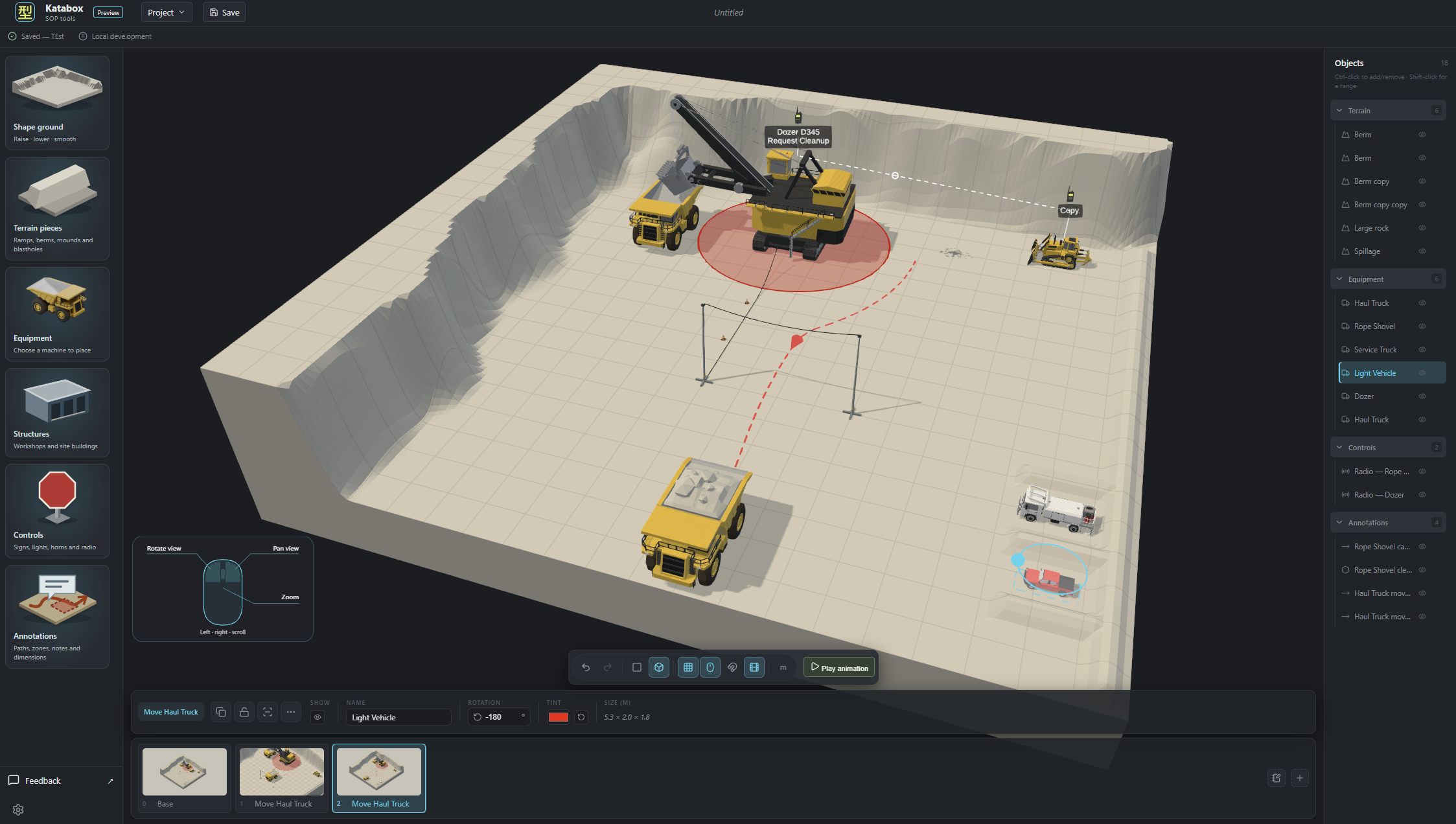
Select a machine to adjust its position. Open its movement controls when you want to demonstrate it. Bring up step notes when there is more to explain.
Move a truck, change an approach or show the next step while discussing the procedure with the group.
三HAVE A GOA LOOK INSIDE
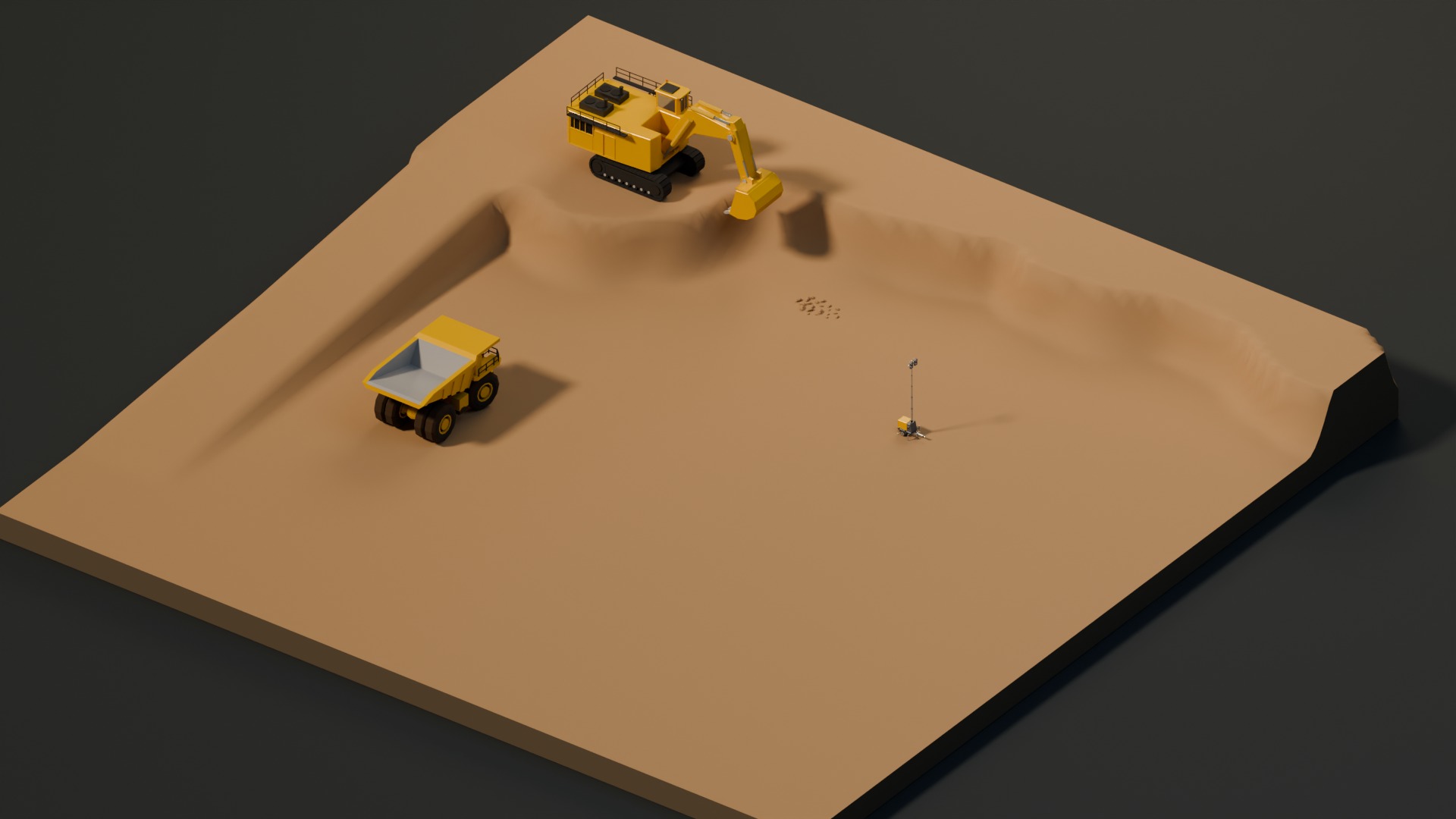
Have a play with a few of the tools. Enough to get your hands dirty.Arrange equipment, shape terrain and explain the job. Open this page on a desktop or laptop to try the interactive scene.
四YOUR CLASS. YOUR CALL.
Build your scenes in your own time and export slides for the class. Or open Katabox during the session and work through the procedure together. Use either approach, or mix the two. You choose how to teach.
Place equipment, shape the ground and mark out the work area. Show positioning, approach paths and how the job fits together.
Katabox is built for quick changes. Adjust benches, add ramps, move and pose machinery as you need. Change the scene live as questions come up, so you can show a different approach while the conversation is happening.
Build the scene and explain each step at your own pace. Export images or PowerPoint slides, add them to your training material and present them to the class. No need to open Katabox or connect to the internet to present the exported files.
五KATABOX COMMUNITY
The place for the people behind the training. Share ideas with other trainers, help shape what comes next and get private support from Pinchysoft.
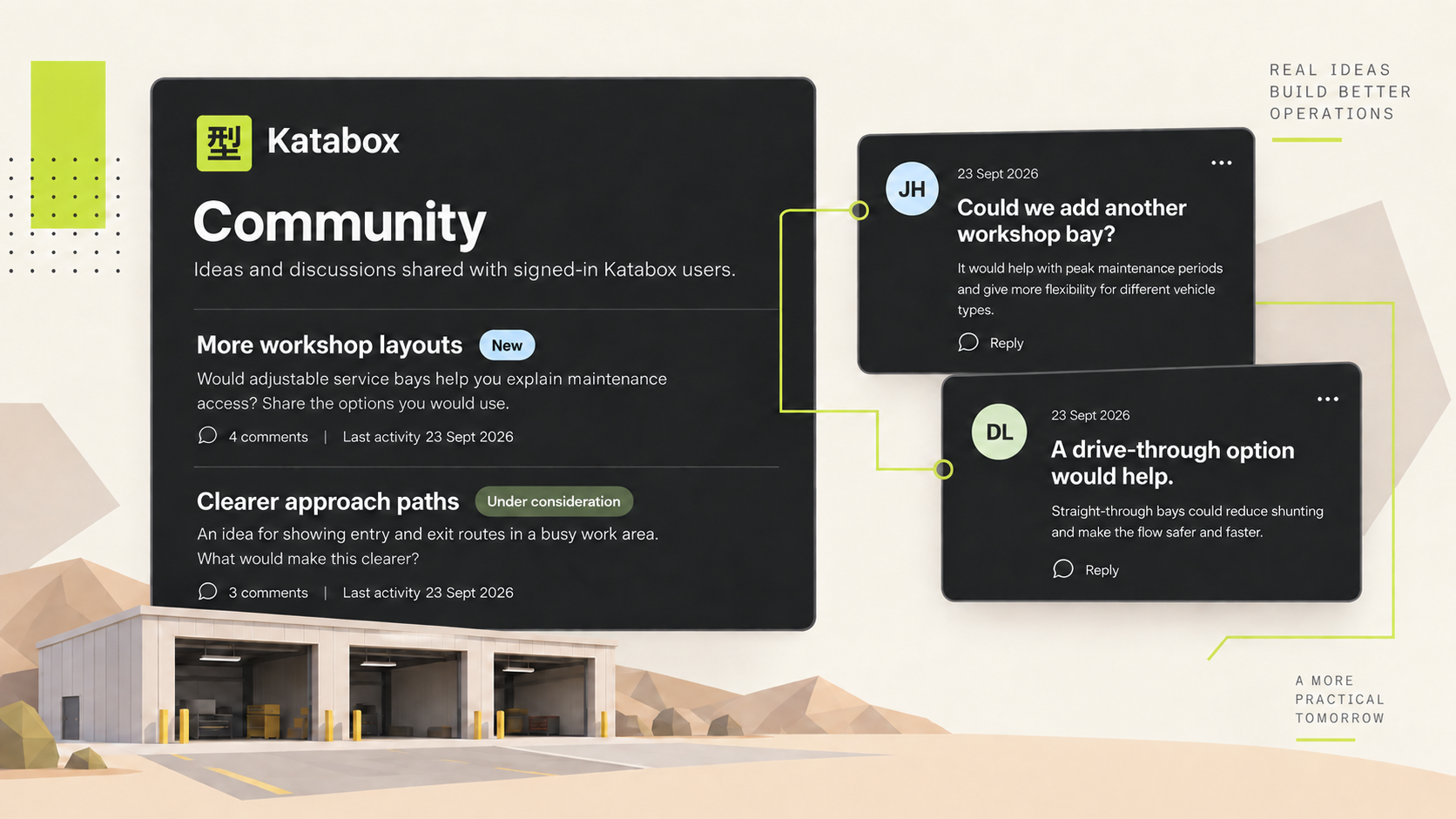
Publish a request for other signed-in Katabox users to discuss. Add your perspective, ask questions and see what would help other trainers.
Sign in to the community →Ask for help, suggest a change and track replies from Pinchysoft in your dashboard. Support requests stay private. You choose whether to publish a separate community version.
Sign in to your dashboard →Your scenes and procedure files stay on your machine. Sharing an idea does not share your project or private support replies.
六EQUIPMENT & STRUCTURES
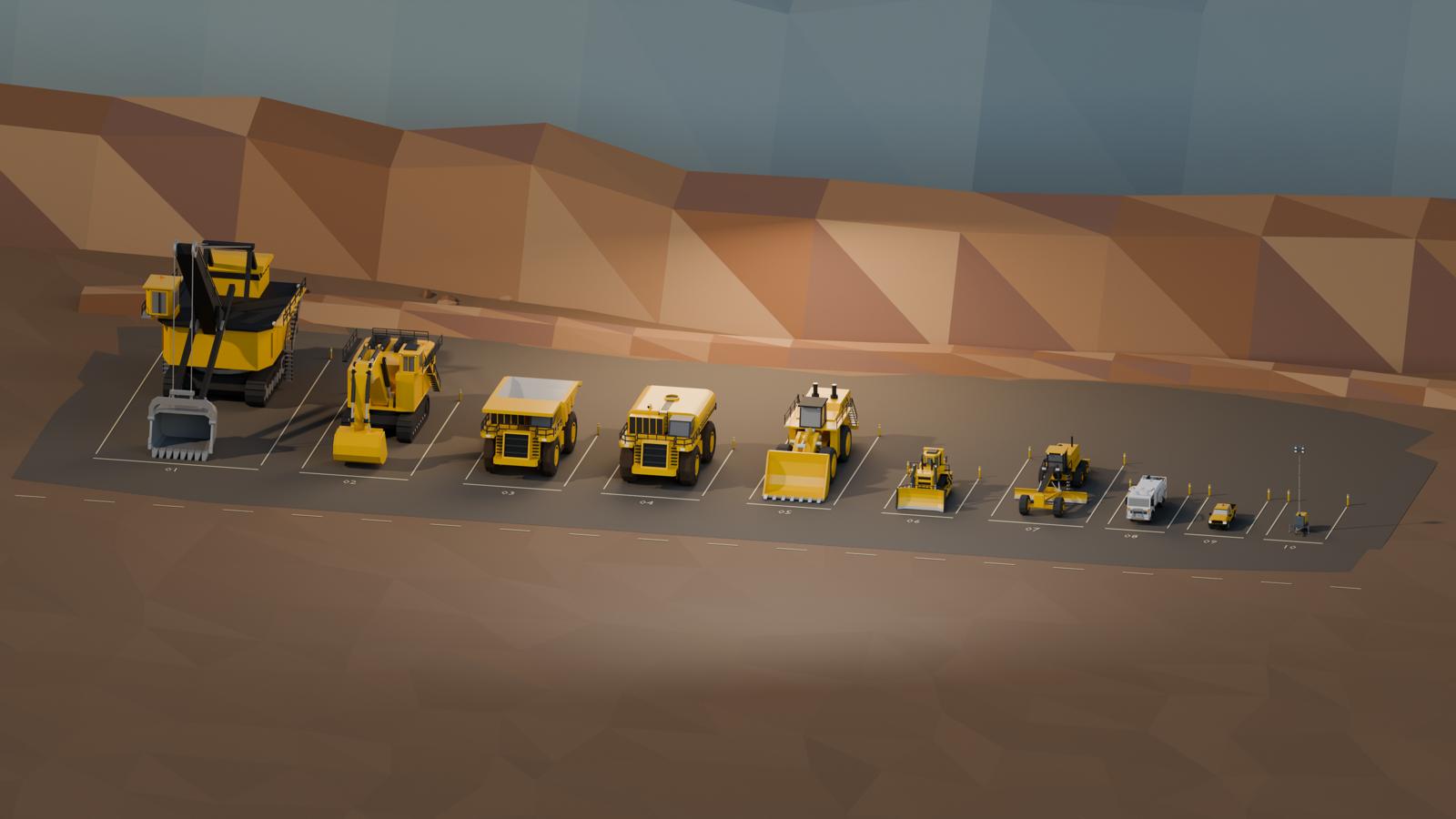
A growing library of machines and structures, with more sizes, models and site buildings on the way.
A machine class isn’t one-size-fits-all. Sizes and properties can vary, including turning radius and colour, so you can represent the equipment your trainers work with. Machine dimensions are based on published manufacturer specifications.
七ADD THE FINISH
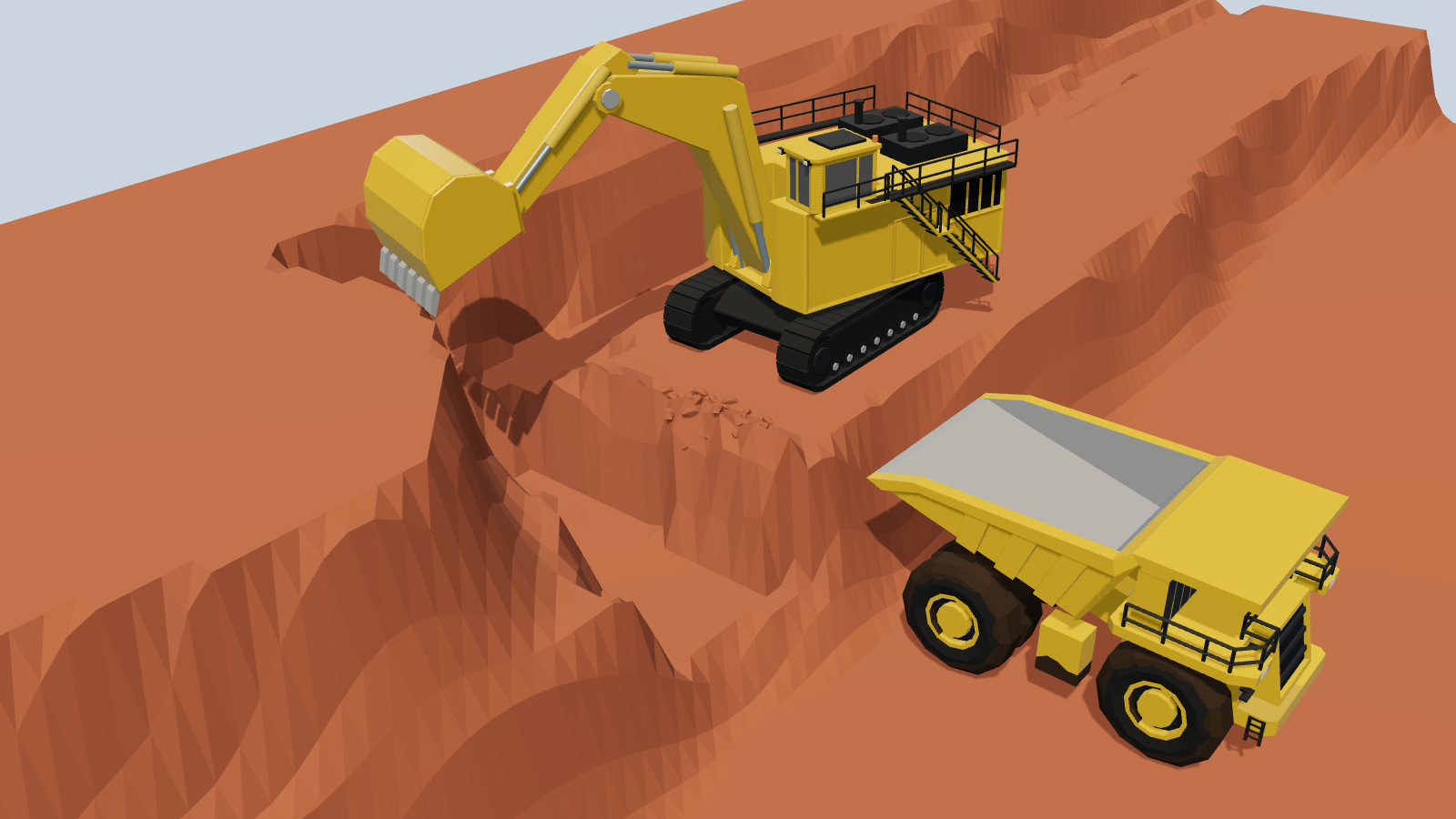
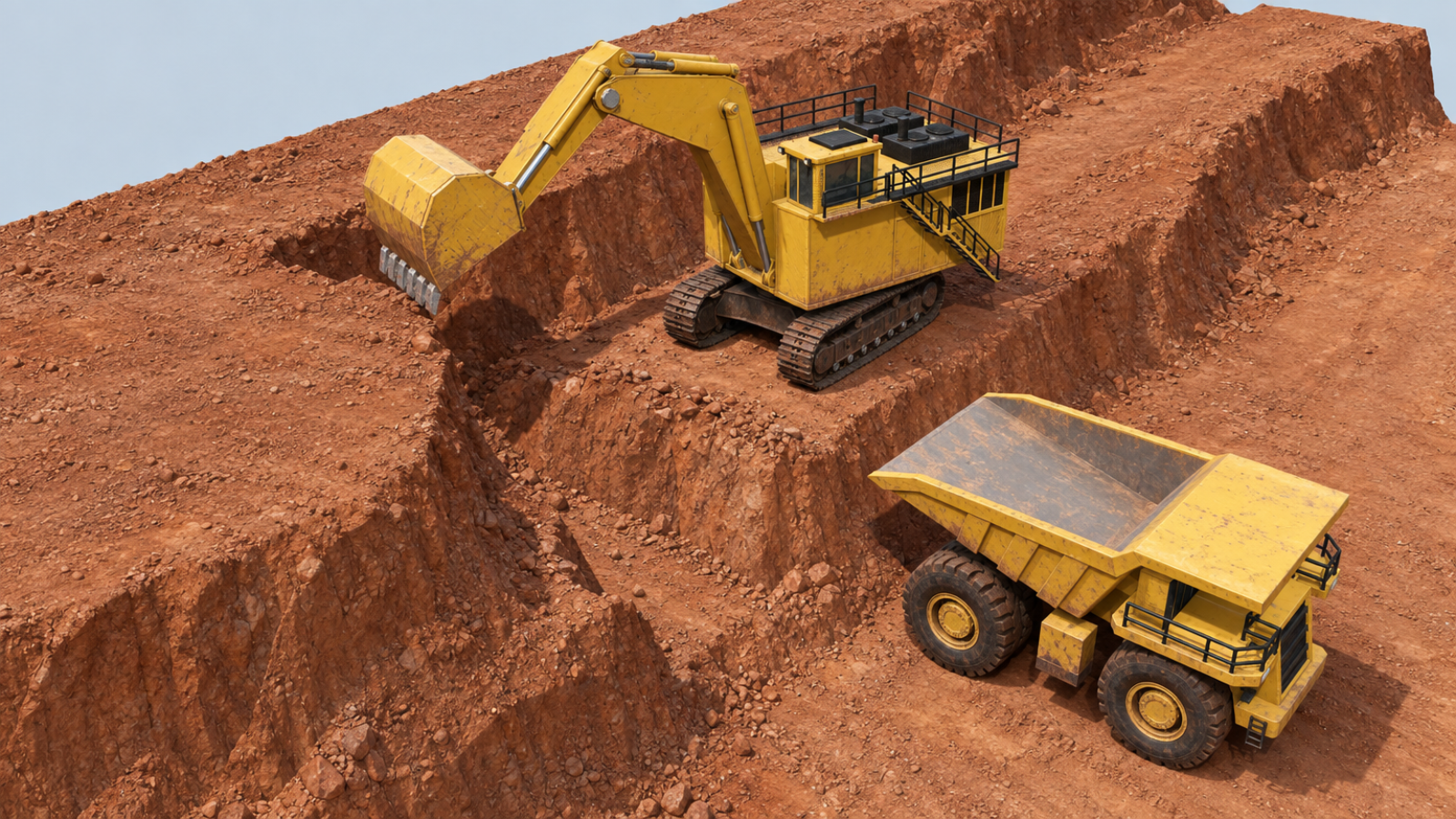
Build the scene, get the procedure right, then give your slides and images a realistic finish. Use the clear in-app view to explain the job, or add detail and atmosphere when you want something more polished. All in your browser.
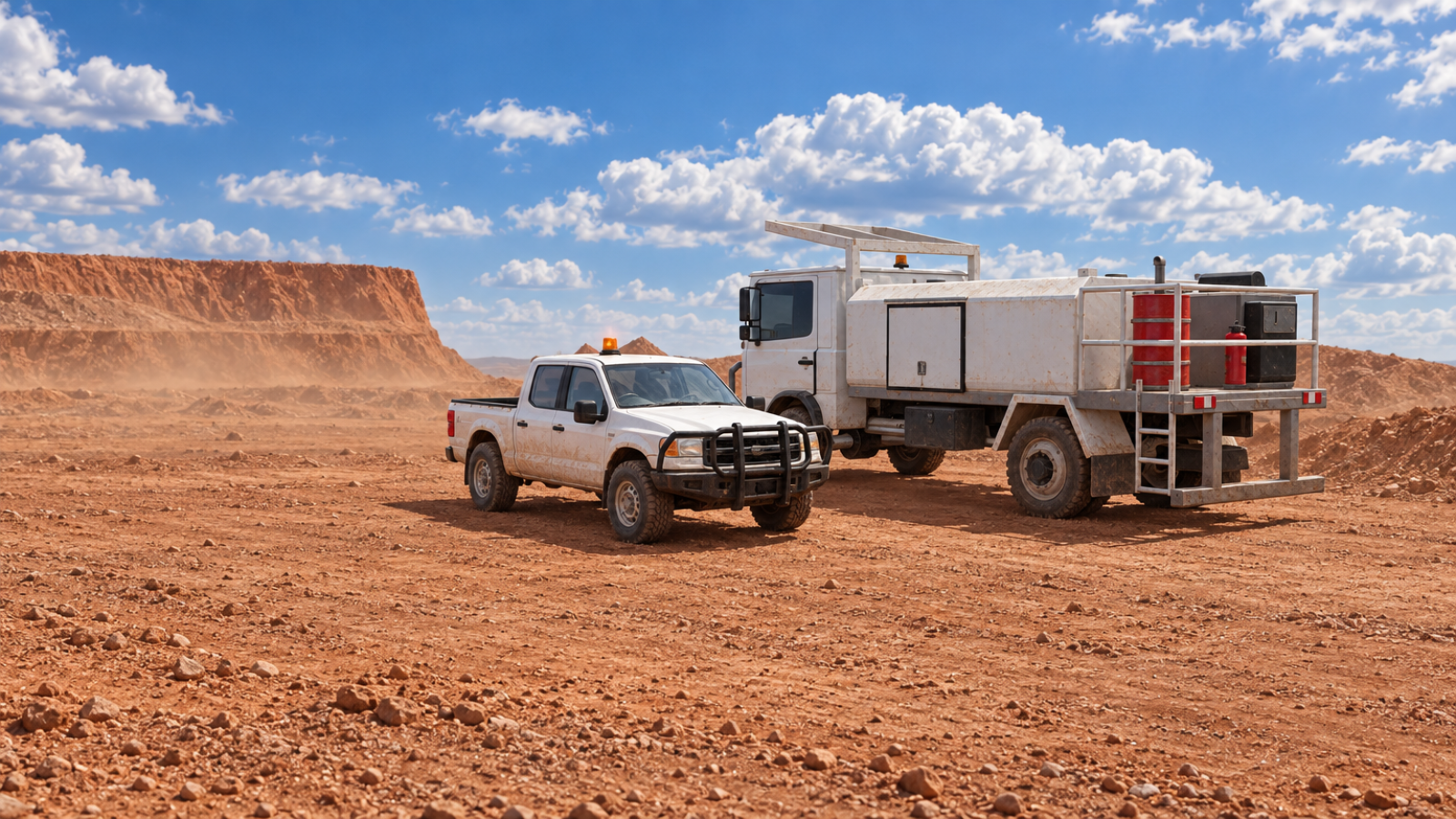
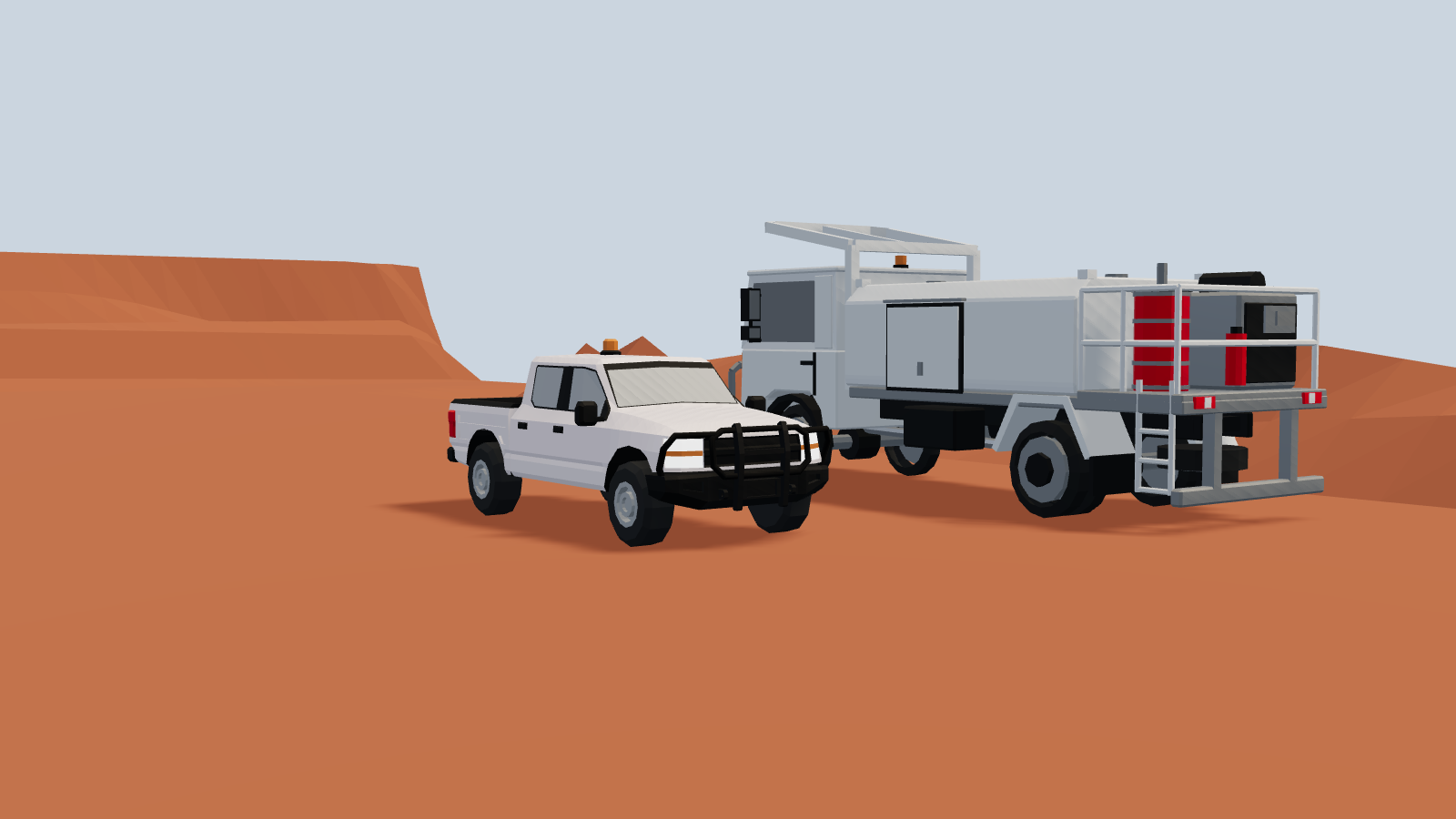 In KataboxRendered for slides
八AT THE OFFICE. AT SITE. NEXT TIME.
Save your machines, terrain and steps for the next group. Save terrain templates to give a new procedure a familiar starting point.
Run Katabox in desktop Chrome or Edge. Before disconnecting, check the app’s offline status and access expiry. Exported slides and images need no Katabox login or internet.
Scenes are processed on your machine, not uploaded to Pinchysoft. Save project files in your approved storage, make your own changes and choose what to share.
Accounts and support are separate from your scenes. Initial setup, updates and access renewal need a connection; offline editing still needs pilot validation.
九THE NEXT SEAM
Launch with Foundation + Community. Build your training material, connect with other trainers and help shape what comes next. Then take Katabox underground.
Explore the milestones below. Months run from launch.
FIRST RELEASE / MONTH 0
The tools to explain the job. The people to help make them better.
KATABOX FOUNDATION
KATABOX COMMUNITY
EXPAND / MONTHS 1–3
More of the machines you work with. Early customer feedback helps set the priorities.
REFINE / MONTHS 4–6
Six months of Foundation refinements, guided by the people using it.
BUILD / MONTHS 7–9
Keep strengthening Foundation while exploring what trainers need underground.
DEVELOP / MONTHS 10–12
Develop Subterranean while continuing to improve Foundation.
NEXT RELEASE / MONTH 13
A new setting for the same purpose: helping trainers explain the job clearly.
Planned direction, with timing and feature scope refined through customer feedback. Subscription pricing and release inclusions will be confirmed before launch.
十A FEW THINGS CLEARED UP
Questions about fitting Katabox into your training?
Build 3D mining diagrams by arranging machinery, shaping terrain and adding paths, notes and signals. Create steps to show how a procedure unfolds, demonstrate it live, or export images and PowerPoint slides for your training material.
No. Choose equipment and terrain pieces from the toolbox, place them in the scene and adjust them using the controls. You can start with a simple layout and add detail as you need it.
No. Katabox helps trainers explain positions, movements and procedures visually. It does not assess operator competence or replace practical training, approved site procedures or engineering checks.
Yes. Export scene images to place in your organisation’s template, or export a sequence as PowerPoint slides and use them in your presentation. The exported files can be presented without Katabox.
Yes. Move and pose machinery, adjust benches, add ramps or change an approach as questions come up. You can also prepare everything beforehand and present the exported slides. Use whichever approach suits the session.
Save your project as a file on your machine or in storage your organisation approves. Reopen it to keep editing. Browser recovery is a backup convenience, not a substitute for a saved project file. Terrain templates let you reuse the same ground in another procedure.
Exported images and slides work without an internet connection or Katabox login. For offline editing, check the app’s download status and access expiry before disconnecting. Initial setup, updates and access renewal need a connection; offline editing is still being validated for the pilot.
Katabox is designed for desktop Chrome and Edge on Windows, using a mouse and keyboard. It runs in a browser tab without a desktop installer. Phones are useful for exploring this website, but the full editor is intended for a desktop or laptop. Your organisation’s browser and IT policies still apply.
Equipment sizes use published manufacturer dimensions, with approximate sizes identified in the app. The models help you compare scale and explain positioning. They are simplified representations, not engineering models or a guarantee of safe clearance.
They are an optional finishing step for presentation images after you have built the scene. The examples show the rendering workflow being developed; connected generation is currently an internal trial, not a generally available customer feature. The ordinary diagram and slide exports do not require it.
Try the limited scene demo on this page from a desktop or laptop, or book a demo to discuss your training needs and current access options.
十一KATABOX
Build a scene. Walk through the job.
Take the slides with you.
Tell us what you need. We’ll arrange a time.